Self-Serve Onboarding Video Architecture for Complex SaaS Products
Modular video libraries serve users on their terms, not yours.
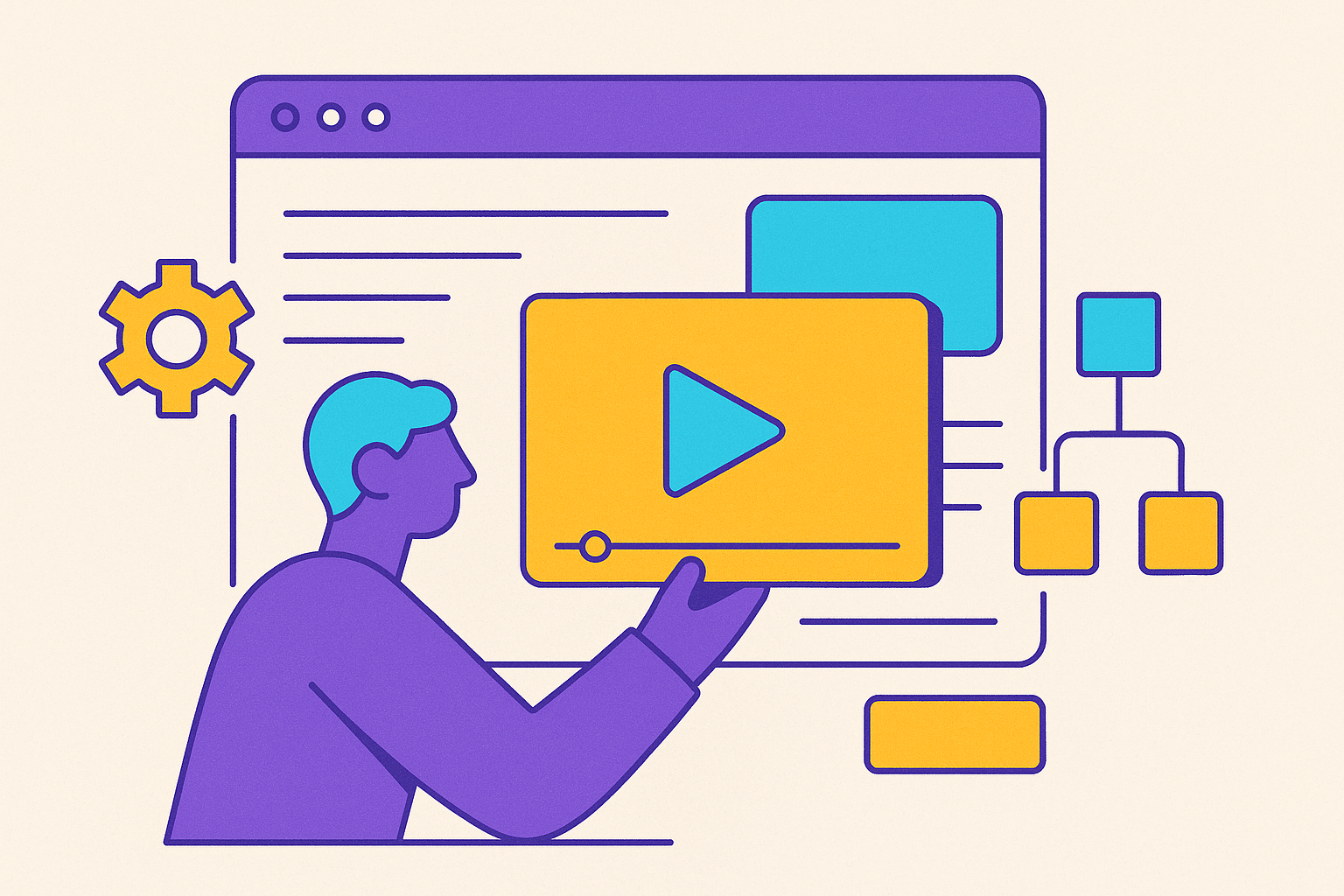
Complex SaaS products fail at self-serve onboarding for a structural reason, not a content reason: they build monolithic, linear video flows that don't match how users actually move through the product. Most teams already have onboarding videos. What they don't have is a system.
The shift underway in SaaS onboarding isn't cosmetic. The CSM-led onboarding call, once the default way a new account got up to speed, is giving way to modular, on-demand video libraries that users navigate on their own terms. That's a structural change in how products teach themselves.
Scope failure appears first in watch time: a 20-minute video billed as covering everything rarely gets watched past the first few minutes, while a 4-minute video built around one specific workflow gets watched to the end, bookmarked, and passed along to a teammate. The difference has nothing to do with production quality. It comes down to whether the video respects the user's actual question in the moment, or tries to answer ten questions at once.
Users have already told the industry what they want. Video is the format people prefer when learning a new product. Most SaaS teams still hand it over as one long, undifferentiated asset rather than organizing it into something a user can navigate the way they'd navigate a product menu. The fix is a different architecture for the video already being made.
What a modular video library means and how it differs from a playlist
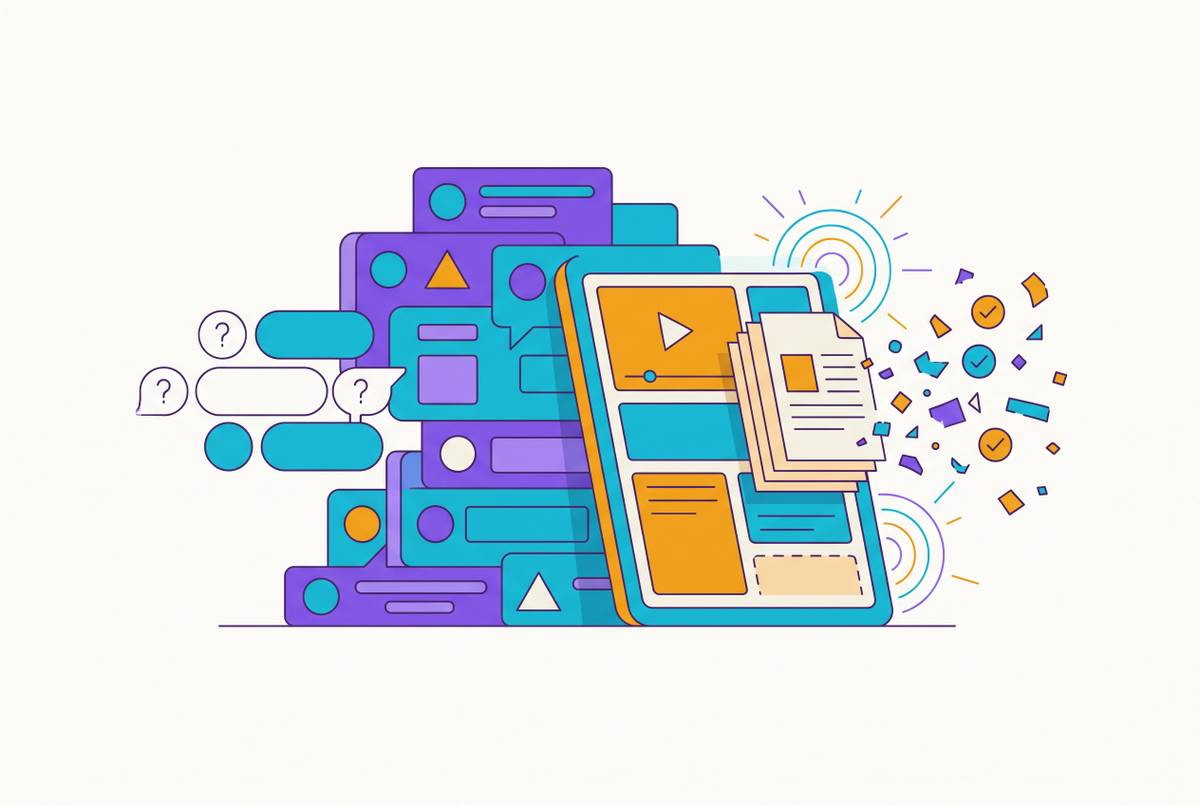
A modular video library is a tiered system in which every video is scoped to exactly one workflow and one outcome, built so a user can enter at whatever layer matches their current need without watching everything that came before it. The organizing principle is simple to state and hard to enforce: one workflow per video, framed by outcome. A video shouldn't be titled "here is the Settings tab." It should be built around "by the end of this video, you will have connected your Slack workspace".
That distinction matters because new users don't think in terms of menu structure. They think in terms of what they're trying to get done. Outcome framing is what turns a video from a piece of documentation sitting in a help center into something that functions as navigation, because the title itself tells the user whether they're in the right place before they press play.
This is where a modular library and a playlist stop being the same thing. A playlist assumes sequence: video one, then two, then three, in order, for every viewer. A modular library assumes the opposite, that different users arrive with different goals at different moments, and the system has to serve all of them without forcing anyone through steps they don't need.
Ahrefs is a useful example of what disciplined scope looks like in practice. Its onboarding video skips the framing and the welcome message and goes straight into the product, showing how to complete one task, setting up a Site Audit, with no storytelling, no hype, and no extra context layered on top. That's the modular instinct in its purest form: one task, shown completely, with nothing else competing for the viewer's attention.
In practice, a modular library organizes into three tiers. Activation-critical entry videos cover the small number of high-frequency workflows that every new user needs to reach their first moment of value. Feature-level tutorials go deeper, triggered by what a user does inside the product rather than by how long they've had an account. Role-based and advanced layers serve admins, team leads, and power users with content built for their specific job. Each tier does a different job, and the rest of this piece builds outward through them in order.
Designing the activation-critical entry layer: the videos every user must reach first
The entry layer carries more weight than any other part of the library, because it covers only the workflows standing between a new user and their first real moment of value, and it has to earn attention before anything else in the system gets a chance to.
Welcome and intro videos belong here, but they should stay short. A welcome video is a signpost, not a tutorial. Its job is orientation and a bit of confidence-building, nothing more, and padding it with instruction just delays the moment the user gets to the thing they actually came for.
Core workflow walkthroughs are the real substance of this layer. When a workflow genuinely needs more time to explain properly, the right move is to break it into numbered parts rather than stretch a single video past the point where people stop watching. That way a user who needs step three can jump straight there instead of scrubbing through a timeline looking for it.
Every video in this layer should lead with the outcome in its opening line. State what the user will have accomplished by the end, not what topics the video happens to cover. That framing does two things at once: it tells the viewer immediately whether they're in the right video, and it gives them a reason to stay until the outcome is delivered.
Customerscore's 2026 guide states the underlying discipline: if a team can't finish the sentence "a new user is activated when they ___" with one specific, measurable action, onboarding lacks the focus it needs. The entry layer should be built backward from that single event, not forward from a list of features someone thinks is important.
Routing belongs at the gate, not buried somewhere in the middle of the experience. A one-question microsurvey at signup, asking something as direct as "What is your primary goal?", lets a team build different entry sequences for different intents. That routing should run on goals, not job titles, because a developer integrating through an API and a marketing manager setting up campaigns need completely different starting points even if they signed up for the same product on the same day. Producing enough distinct entry sequences to support that kind of routing is itself a production problem, and it's one the next few sections take up directly.
Building the role-based and feature-level layers that serve users past activation
A user who activates but hits a dead end in the video library after the first session tends to stall right there. That is why the role-based and feature-level layers matter as much as the entry layer does. These are what turn an activated user into a retained one.
Multi-persona products need multi-persona paths. A single SaaS product frequently serves end users, team leads, and admins, and each of those groups needs something different from the library, not a shared linear sequence everyone is pushed through regardless of their job. Asana Academy is a clear example: getting-started modules for new users, project planning tutorials for team leads, and governance and configuration certification for admins, all built on the same product but running as three distinct paths through the library. Appcues's segmentation model, described in Cometly's 2026 guide, shows what happens when that kind of targeting gets built in from the start: product and growth teams can serve specific cohorts different onboarding experiences based on role, plan type, or behavior.
Feature-level videos work best when they're triggered by behavior rather than scheduled by time since signup. Timing is as important as content here. A video about a feature served three weeks before a user needs it gets ignored, while the same video served the moment a user clicks into that feature for the first time gets watched. The library should fire a video when a user visits a feature for the first time, drops off mid-task, or encounters a feature that's new to the product.
Length discipline carries over from the entry layer. No single training segment should run past six minutes, since engagement drops sharply once a video crosses that line. A feature walkthrough that genuinely needs more depth should become a numbered series rather than one long video that loses viewers halfway through.
Certification and power-user content forms the third tier, separate from the trigger-based feature layer. This is where structured courses and formal curricula live, built for users who want to get deeply proficient rather than just get a task done. Together, the three tiers function as a support deflection system at scale: free onboarding videos for everyone, feature tutorials for active users, certification for power users, each handling a distinct job in retention and support load. None of that holds up, though, unless the team behind it can produce and update videos fast enough to keep the whole structure current, which is the problem the next section takes on.
Production Speed as the Prerequisite for a Current Library
A modular library that a team can't afford to build and maintain at speed degrades into something worse than no library at all: a stale one.
Stale videos are the failure mode that does the most damage in this architecture. A video showing an old version of the interface doesn't just confuse a user, it breaks trust in the documentation and the product at the same time. For a product shipping updates on any kind of regular cadence, that's a retention risk.
Traditional video production economics make a library of this scope out of reach for most SaaS teams. Professional-quality corporate training video production runs into the thousands of dollars per finished minute, which puts a library of dozens of videos well outside what's realistic without a dedicated production team. That cost structure is why most teams default to fewer, longer, monolithic videos instead of the tightly scoped library this piece has been describing: producing many short, outcome-focused videos is labor-intensive at traditional production rates, and platforms like Clueso, which generate polished step-by-step documentation alongside video from a single screen recording in minutes, make shipping video at that scale practical.
AI-assisted production changes the economics by removing logistics rather than by replacing craft. The savings come from eliminating the crew, the location, the talent scheduling, and the multi-round editing cycles with outside vendors that traditional production requires.
Time is the clearest way to see the change. One workflow examined in the research shows a five-minute training video that previously required five to six hours to script, record, edit, subtitle, and revise was reduced to roughly 45 to 60 minutes using an AI-assisted production pipeline.
Clevera's 2026 guide specifies that when a published video gets updated, the update must propagate automatically to everywhere that video is embedded. Without that, keeping a large library current turns into a multi-day project every time the product changes.
On format, the research points to one clear answer for this kind of content. Screen recording paired with strong narration consistently outperforms an artificial presenter for software walkthroughs, SOPs, customer onboarding, and product tutorials. A clean screen walkthrough with narration is the right production format for most of what belongs in a SaaS onboarding library. The workflow that actually sustains this kind of output starts from one recording and produces both a video and a written document from it without doubling the effort, which is what makes the volume a true library demands achievable on an ongoing basis.
Clueso's Production Workflow for a Modular Onboarding Library
Clueso's workflow addresses the exact constraints that make modular libraries hard to build and even harder to maintain: fixed-cost AI production, video and documentation produced together, and localization handled at the library level rather than one video at a time.
The core workflow starts with a screen recording, either captured directly or uploaded. From there, Clueso's AI rewrites the script, adds a narrated voiceover, applies smart zoom and captions, and generates a companion SOP or help article, all from that same recording, without requiring video production expertise from the person making it. That matches the production reality the entry and feature layers demand: a steady supply of short, tightly scoped videos.
Freshness matters most for keeping the library current, since stale videos undermine the whole structure, as described earlier. For products shipping updates frequently, Clueso turns video maintenance into a routine task rather than a half-day project every time something in the product changes. That directly answers the propagation concern Clevera's guide raises about keeping a large library current.
Localization works the same way, as a library-level decision rather than a per-video one. Clueso supports translation into more than 33 languages with one click, so the entire library can be localized without running a separate production pass for each language. Global users end up with the same modular architecture.
Clueso's pricing runs from self-serve plans up to an enterprise tier, which keeps library-scale production within reach of teams without a dedicated video department or a large standing budget. Branded templates, blur tools, and an article co-pilot let teams across customer success, L&D, product, and sales produce content independently rather than routing everything through a specialist. That distribution of production work matches the architecture itself: each team can own its own layer of the library, built and maintained without waiting on a central bottleneck.
Video plus documentation as a single content unit at every library node
Every node in a modular onboarding library should produce both a video and a companion article from the same recording. Splitting those into separate workflows creates inconsistency between the two, and that inconsistency erodes user trust while adding production overhead the team didn't need to take on.
Users arrive at the same workflow with different preferences for how they want to learn it. Some watch, some read, and a large group does both: watch once to understand the workflow, then scan the written article later when they need one specific step without replaying the whole video. A library that only serves one of those formats is only serving part of its audience, no matter how well the video itself is made.
Producing both doesn't have to mean doubling the work. Building a modular library requires every video to stay scoped tightly to a single outcome, and that discipline depends on a production workflow where the same screen recording turns into both the short video and its written counterpart without a second production pass for the documentation. That's the only way the volume of content a genuine library requires stays sustainable over time, especially once feature updates start requiring revisions across dozens of nodes rather than just a handful.
The nodes that make up a modular library, the entry layer, the role-based paths, the feature triggers, all depend on this same production unit repeating reliably at scale. A library is only as strong as the weakest, most out-of-date node in it, and the video-plus-article pairing is what keeps every node answering the same question the same way, no matter which format a user happens to reach for first.